Light Mode vs Dark Mode for Reading X Threads at Night
Dark mode is the better default for reading X threads after dark, but not for every reply. Here is what actually changes between X's three display options and when each one wins.
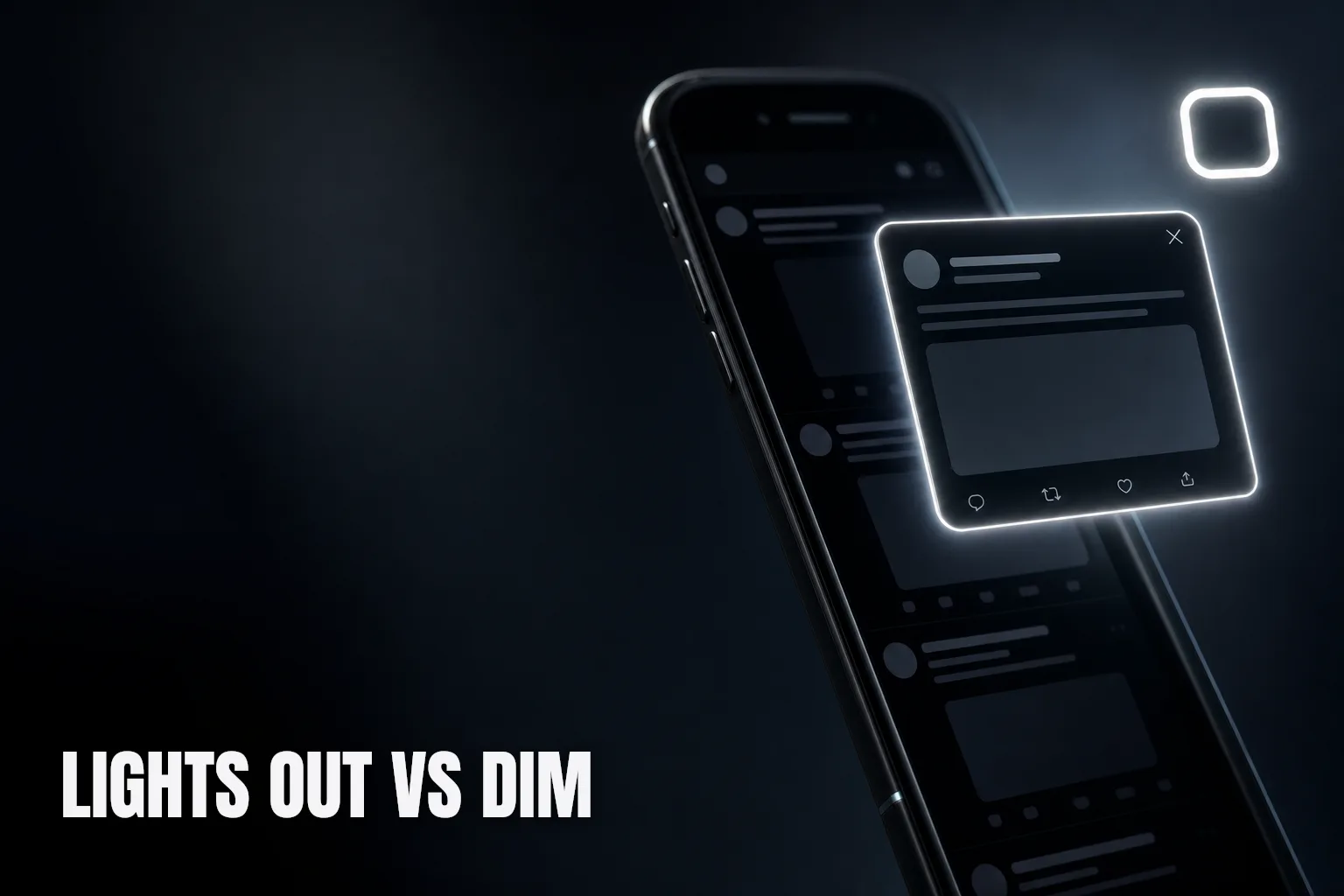
Dark mode is the better default for reading X threads at night — lower brightness and less glare mean less eye strain in a dim room — but it is not the answer for every reply. A thread full of screenshots with white backgrounds or bright charts can actually be easier to parse in light mode, glare and all. The mode that matters less than most people think is which one you pick; the one that matters more is whether everything on your screen actually agrees on it.
What actually changes between the two
Light mode puts dark text on a bright white background — high contrast, and the default most apps ship with. Dark mode inverts that: light text on a dark background, which lowers the overall brightness hitting your eyes. In daylight or a lit room, the difference is mostly cosmetic. After dark, with the room lights off and your face a foot from a bright rectangle, it stops being cosmetic. A screen at full white brightness in a dark room is genuinely harder on your eyes than the same content dimmed down, and it can also disrupt winding down before sleep more than a darker screen does.
X does not give you a binary choice here, which is worth knowing. There are three display settings: default (light), dim (a dark blue-gray), and lights out (true black). Most people reach for dark mode as a single concept, but dim and lights out behave differently enough to matter.
Where dark mode wins at night
In a dark or dim room, dark mode reduces glare and lowers the amount of light your screen throws at your eyes, which is the main source of night-reading eye strain. On a phone with an OLED screen, it also uses less battery, since black pixels are effectively switched off rather than lit and dimmed. Lights out is the stronger choice here over dim — true black draws less power and offers the most contrast reduction against a dark room, while dim's blue-gray background is a middle ground that still looks slightly lit.
If you are catching up on a long thread late at night, the same kind of session covered in catching up on a long X thread you missed, locking display to dim or lights out before you start is the single biggest comfort upgrade available, more than anything about how you sort or navigate the thread itself.
Where light mode still holds up
Dark mode is not free of tradeoffs. Screenshots, memes, and images with white or light backgrounds sit inside a dark interface like a lit window at night — the contrast jump between the dark chrome around them and the bright image itself can be more tiring to look at than a uniformly bright page. Text legibility also varies by person: some readers find dense paragraphs of light gray text on dark backgrounds slightly harder to track line by line than dark text on white, especially for longer replies. And in a well-lit room, none of dark mode's night-time advantages apply — you are just reading a dimmer screen for no real benefit.
The mismatch problem
Here is the part that actually breaks the experience: your OS, your browser, and X itself can each be set to a different theme, and any browser extension you use on top of that can ignore all three and render its own interface in whatever mode its developer defaulted to. Switch X to lights out at 11pm and open a popup that was built with a fixed white background, and you get a bright flash right in the middle of a dark screen — the exact glare dark mode was supposed to remove.
This is a small thing until you notice it every single time you open a thread at night, and then it is the thing you notice most.
The SkimFast way
SkimFast checks your current X theme and renders its popover to match it — light, dim, or lights out — so opening a reply thread at night does not undo the reason you switched to dark mode in the first place. The whole thread, sorted and searchable with inline media, appears in the same visual register as the timeline around it.
| Approach | Matches your current X theme | Consistent at night | Effort |
|---|---|---|---|
| Default X thread view | Yes, native | Yes | None |
| Generic browser extension popup | Often no — fixed theme | No — can flash bright | Manual workaround, if any |
| SkimFast popover | Yes, theme-matched | Yes | None |
A simple routine
- Reading in a dark room at night: lock X to lights out, not just dim, for the biggest drop in glare and battery use.
- Reading in a lit room, any time of day: leave display set to match your system, and don't fight it manually.
- A thread is mostly screenshots or images: don't be surprised if light mode reads easier there, even at night.
- Anything you use on top of X's timeline — a popup, an overlay, a reader — should match whatever mode you're already in. If it doesn't, that mismatch is the actual source of the glare, not the mode itself.
Dark mode is the right night-time default for most reading, and lights out beats dim once the room itself goes dark. But the mode you pick only helps if everything on screen agrees with it — and that consistency, not the light-versus-dark question itself, is what SkimFast is built to preserve when you open a thread after dark.
Read the whole thread without leaving your feed
SkimFast opens any X reply thread in a popover — sorted, searchable, inline media, theme-matched. One-time $9.99, private by design.
Related reading
The Best Chrome Extensions for X Power Users
A practical shortlist of Chrome extension categories that fix the real friction of using X daily: the algorithmic feed, tab sprawl, ranked replies, and losing your place mid-thread.
How Community Notes Show Up in X Thread Replies
Community Notes are not just a header-post thing. Here is how a note attaches to a single reply, why some replies never get one, and how to spot the context without losing your place in the thread.
How Many X Threads Can You Follow at Once Without Burning Out?
Following too many X threads at once turns reading into a chore. Here is a realistic cap, the warning signs you've passed it, and how to trim your list without missing what matters.