X Thread Reader Websites vs. Browser Extensions: Which One to Use
Thread reader websites and browser extensions solve the same problem in opposite ways: one lives outside X, the other lives inside it. Here is what that difference actually costs you.
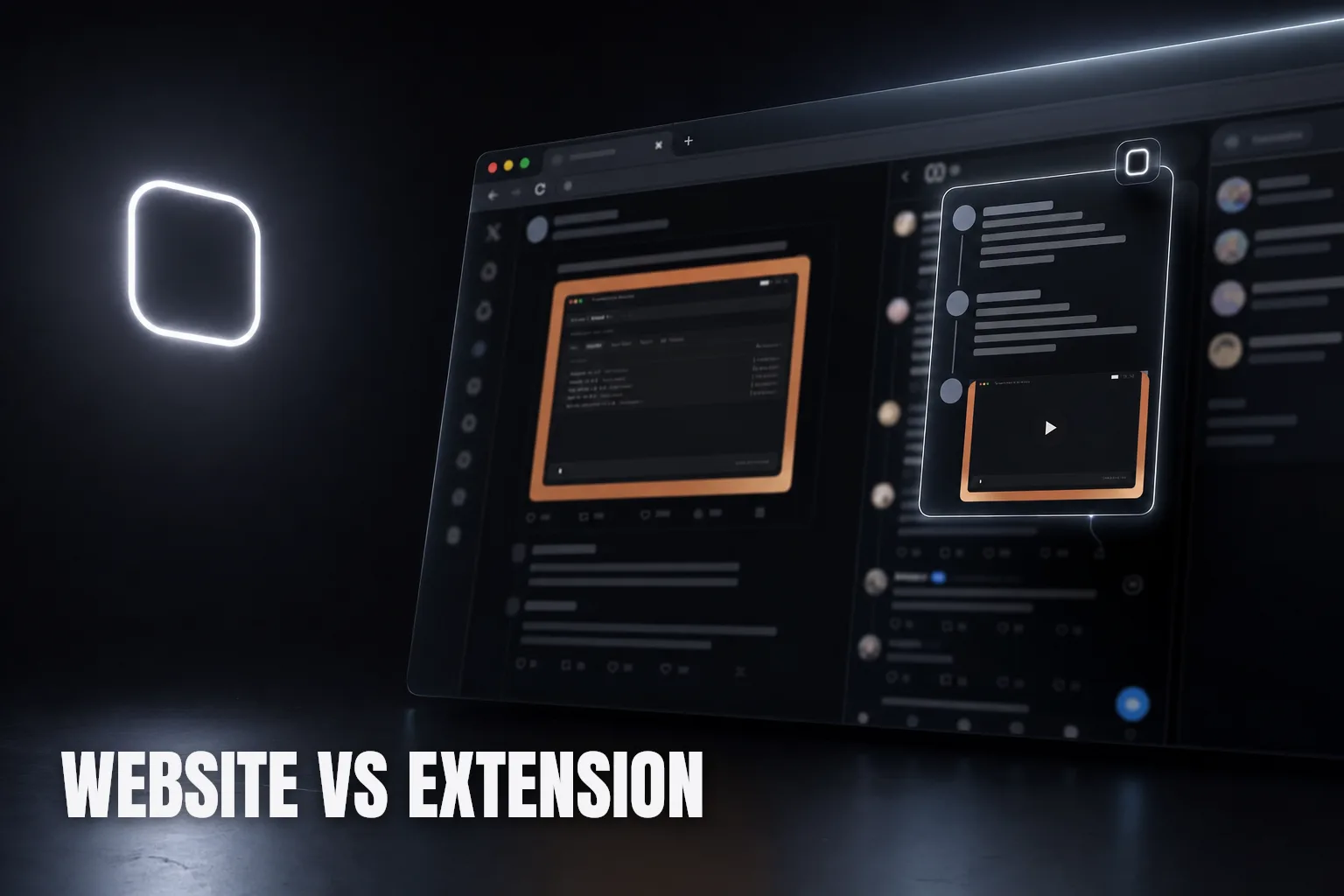
Thread reader websites and browser extensions both promise to make a messy X thread easier to read, but they get there in opposite ways. A website reader lives outside X: you paste a link, it builds a page somewhere else. A browser extension lives inside X: it reads the thread you already have open and renders it without sending you anywhere. That one structural difference explains almost everything else about how each one feels to use.
What a thread reader website actually does
A thread reader website is a separate page you visit on its own domain. The workflow is always some version of: copy the link to the post, open a new tab, paste the link into the site's input box, wait for it to fetch and render the thread, then read it there. Under the hood, most of these sites are making a request to X on your behalf, pulling down whatever is publicly visible, and formatting it into a cleaner layout than X's own page.
That works, and for a single link someone drops in a group chat, it is a reasonable way to read something without even having X open. But every step in that workflow — copying, switching tabs, pasting, waiting for a fetch — is friction you pay on every single thread, not just the first one.
What a browser extension actually does
A browser extension is code that runs inside the tab you already have open on X. Instead of fetching the thread from a separate server, it works with the page and session you are already logged into, and renders its version in place — a panel, a popover, an inline expansion — without navigating away from your timeline. There is no link to copy, because the extension already knows what post you are looking at.
This is the same distinction covered in the best Chrome extensions for X power users: browsing and reading are different jobs, and the tools that fix reading tend to be the ones that never make you leave the page you started on.
Where websites win
A website reader has one real advantage: it requires nothing installed. If you are on a borrowed computer, a phone without your usual browser, or you just do not want another extension in your toolbar, a website works immediately. It is also naturally shareable — the rendered page has its own URL, so you can send someone the readable version instead of the raw X link, which matters if the goal is publishing or archiving an author's own thread rather than reading it yourself.
Where extensions win
Everything a website reader has to rebuild from scratch, an extension already has for free: your login session, your current scroll position, and the exact thread you were already reading. That means an extension can show replies from protected or private accounts you follow, because it is reading through your own logged-in view instead of fetching public data blind. A website reader, with no session of its own, simply cannot see that content at all.
Extensions also avoid the repeated round-trip. There is no copying a link, no new tab, no waiting for a fetch to complete on someone else's server. You tap or click, and the thread opens where you already are. For a single link, that difference is barely noticeable. For the tenth thread of the day, it adds up to a lot of avoided tab-juggling.
Reliability and what happens to your link
There is a quieter difference worth knowing before you rely on either one daily. A website reader depends on its own server correctly parsing whatever X's page looked like at the moment you pasted the link — when X changes how it structures a thread, every reader site built against the old structure can break at once, sometimes for days until someone patches it. An extension is not immune to that either, but it is reading the same live page you are looking at, so there is nothing separate to keep in sync with X's current layout.
Pasting a link into a website also means a third party now has that URL, and on some services the resulting page gets cached or indexed so other visitors can find it later. That is exactly the point for an author's thread meant to be unrolled and shared, but it is worth pausing on for a thread you only wanted to read privately, or one you would not want turning up in someone else's search results months later. An extension that runs entirely inside your browser has no separate server to send that link to in the first place — the thread never leaves the tab you were already reading it in.
The SkimFast way
SkimFast is built as an extension for exactly this reason: reading X threads is a daily habit, not a once-a-week errand, and a habit is where the extra copy-paste-wait cycle of a website reader actually costs you time. It opens a post's full reply thread in a popover right in your timeline, sorted and searchable, with inline media, matching your theme, with nothing to paste and no new tab to manage.
| Approach | Works without installing anything | Sees protected/private accounts | Stays in your feed |
|---|---|---|---|
| Thread reader website | Yes | No | No — separate tab |
| Browser extension (SkimFast) | No, one-time install | Yes | Yes, in place |
A quick way to choose
- Reading someone else's link once, on a device without your extensions installed → a website reader is genuinely the right tool.
- Reading your own timeline's threads daily → an extension removes the copy-paste step every time, which a website never will.
- Need to see replies on a protected or private account → only an extension running inside your logged-in session can do that at all.
- Want a portable, shareable copy of an author's own thread to send elsewhere → that is a website's job, specifically an unroll tool, not a reader built for your feed.
Neither format is wrong; they are built for different moments. A website reader is the right call for an occasional link with nothing installed. For the daily grind of reading threads without losing your place — the same friction covered in reading X threads without opening a dozen new tabs — an extension that works inside your feed will save you more time than a separate page ever could. That is the gap SkimFast is built to close.
Read the whole thread without leaving your feed
SkimFast opens any X reply thread in a popover — sorted, searchable, inline media, theme-matched. One-time $9.99, private by design.
Related reading
X Bookmarks vs Open Tabs: Which Is Better for Reading Later?
Bookmarks and open tabs solve different problems when you save an X post for later. Here is when each one actually works, and why neither fixes the reading part.
X Thread Unroll Tools vs. Reading Replies in Your Feed
Unroll tools reconstruct an author's own tweet sequence into one document. They do not show you the replies. Here is when each one is actually the right tool.
How X Circles Change Who Sees and Reads Your Replies
An X Circle does not just limit who sees the original post — it limits every reply hanging off it too. Here is what actually happens to a Circled reply and who gets locked out.